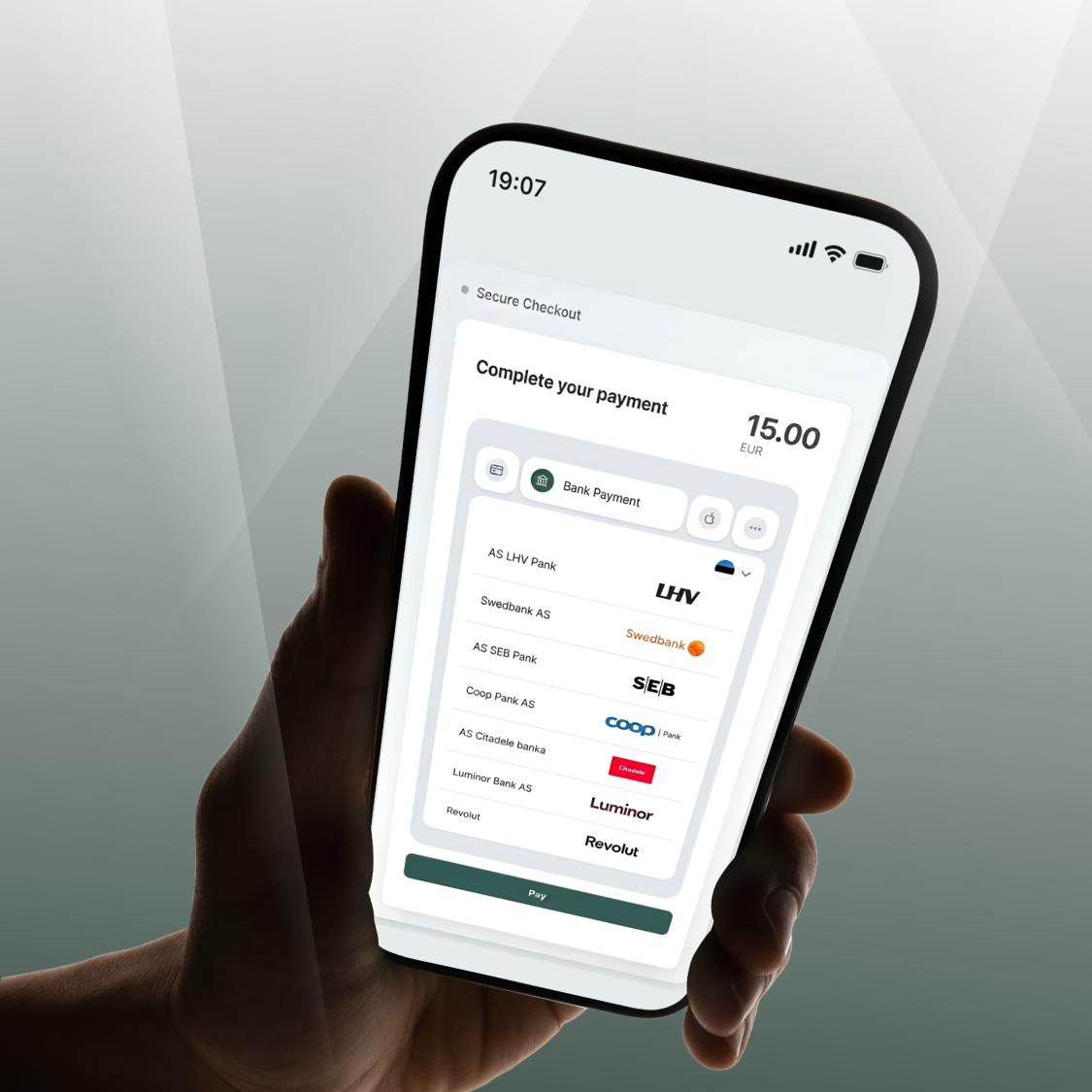
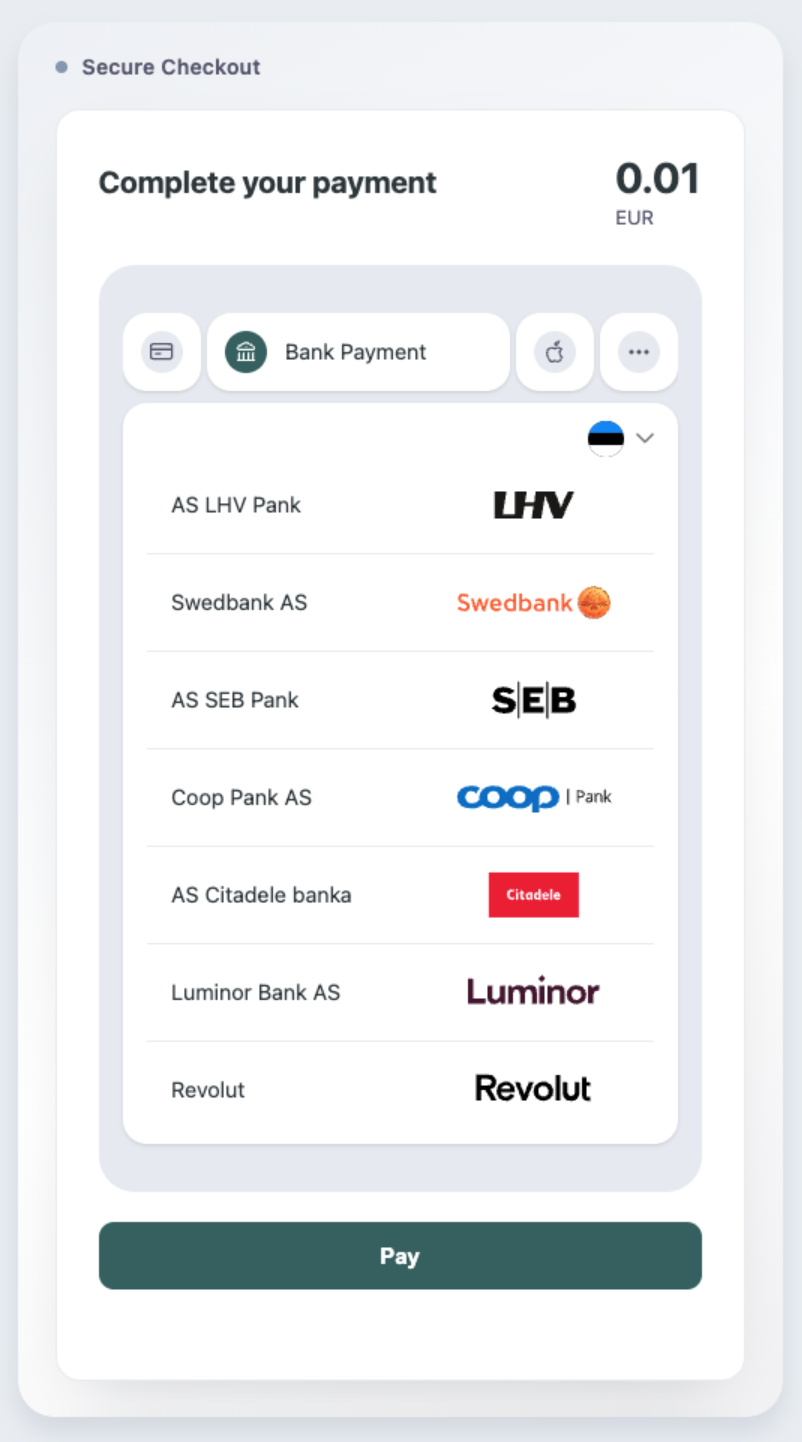
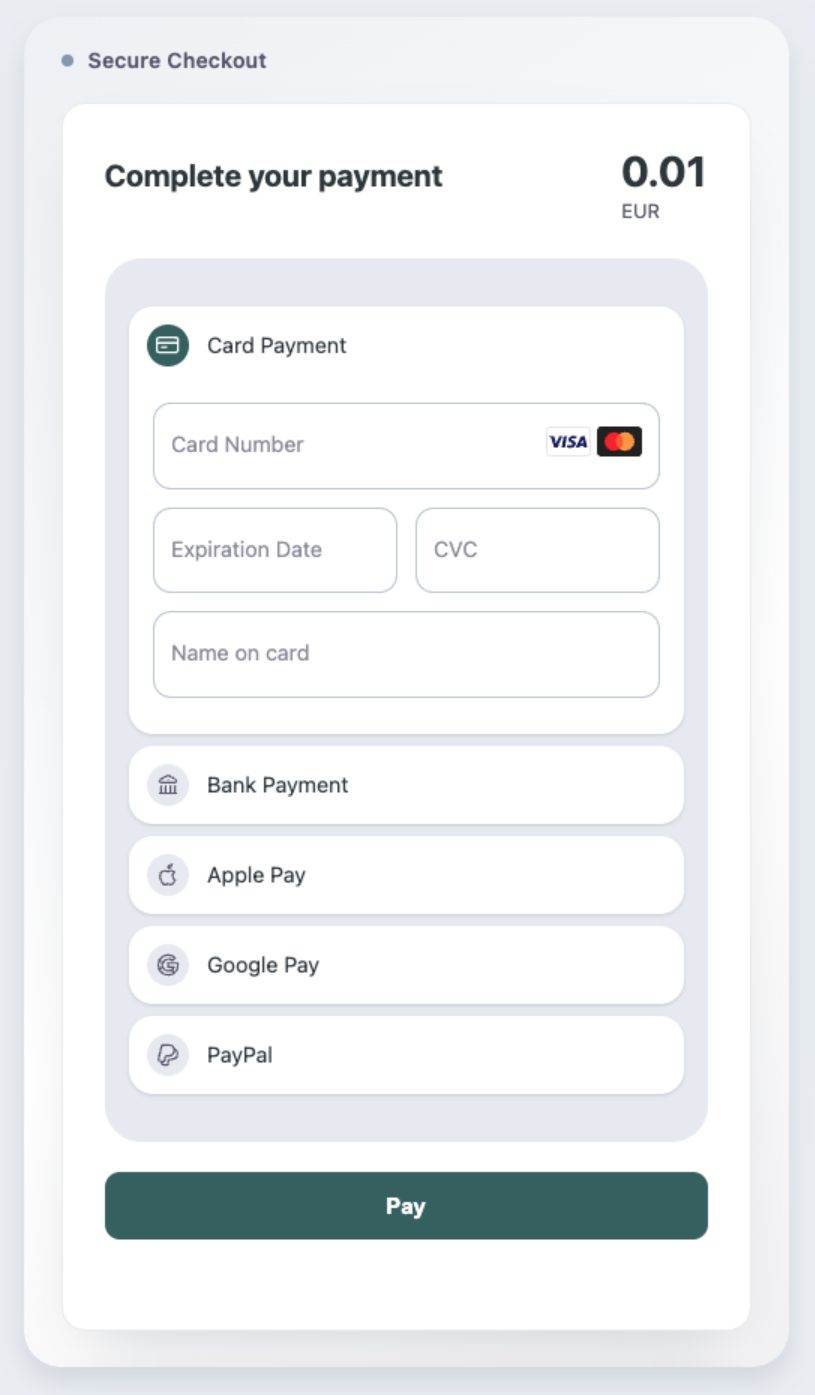
The easier and quicker it is to make a purchase in your online shop or service environment, the more likely a customer is to complete the transaction. Payment Elements SDK (software development kit) is a handy all-in-one payment element that you can easily add to the checkout view. This allows you to offer your customers card and bank payments, as well as Apple Pay, Google Pay, and PayPal payments, all via a single integration on your website. You can choose for yourself which payment methods are currently active.
The biggest win? You no longer need to undertake tedious development work, testing, or subsequent maintenance every time you add a new payment method. Instead, you offer visitors a seamless payment experience directly on your website, saving valuable time and development costs. Payment Elements is responsible for the technical aspects – displaying payment methods, the card form, and the initial verification of the data entered.
Payment Elements is suitable for businesses and organisations of all sizes and from all sectors that wish to collect payments online conveniently and securely. This is useful, for example, for retail and wholesale online shops, accommodation and travel companies, restaurants and food delivery platforms, ticket sales companies and event organisers, as well as providers of training and other services.
Payment Elements is also a good choice for SaaS and other digital service providers, as well as business software and platform companies that wish to offer their merchants or business customers a unified and reusable payment element. Regardless of whether a customer is paying for a purchase, a booking, a ticket, an order, or a service, Payment Elements allows them to view the various payment methods conveniently in a single view.
The solution so far vs. Payment Elements SDK
| Before | Payment Elements SDK |
|---|---|
| Each payment method could have involved a completely separate user interface or integration | All of the main payment methods are brought together under a single flexible element |
| The merchant had to design and validate the card form themselves | A ready-made card form with built-in validation |
| Adding a new payment method often required new front-end development | New activated payment methods can be displayed in a single solution |
| The design of the payment forms had to be managed separately | A unified payment element that can be customised to match your brand |
| The customer had to choose separately between a card form and a bank payment | One comprehensive view of payment methods |
What are the actual benefits of Payment Elements?
A single integration, multiple payment methods. You no longer need to create separate payment forms for cards, bank payments, and digital wallets. All activated payment methods work through Payment Elements, which means a significant reduction in development costs and much simpler administration in the future.
Faster development and seamless integration. Payment Elements includes a ready-to-use user interface. This means you don’t have to build the card form yourself, deal with error messages, or validate the data entered. As a merchant, you can focus on the business logic and customer journey of your online shop, whilst leaving technical matters to LHV.
Fewer failed payments. The card number, expiry date and security code are checked as soon as the data is entered. If a field is faulty or incomplete, your customer will see the error message immediately before initiating the payment. This helps to reduce failed payments caused by input errors and makes it easier for customers to correct any errors.
A reduced burden of security requirements. Sensitive card details do not pass through the merchant’s server. Payment Elements therefore supports an architecture that complies with the requirements of the PCI DSS SAQ A, helping to keep the merchant’s compliance obligations relating to the processing of card details to a minimum. The merchant must, however, comply with the security and compliance requirements applicable to them.
A payment form that matches the design of the online shop. The colours, fonts and button styles of the payment element can be customised to match the company’s visual identity. As a result, the payment form does not come across as a foreign or separate external solution, but blends in with the overall design of the online shop, creating a more cohesive payment view.
Better readiness for new payment methods. There is no need to create the entire payment view from scratch or to rebuild it in order to add a new payment method. If LHV adds a new payment method to the SDK in the future, you will be able to activate it for your customers with significantly less development work required.
Support for recurring payments. Through Payment Elements, you can carry out tokenisation, which enables you to support, for example, recurring payments and payments initiated by you without the need for a complex special solution. To carry out tokenisation, you need to activate a separate function and meet the relevant conditions.
How does the end customer benefit from this?
For your customer, the final step of the purchase process becomes an enjoyable experience. When completing a purchase, they are shown all available payment options, ranging from bank and card payments to convenient digital wallets such as Apple Pay and Google Pay.
If a customer chooses to pay by card, the details entered are verified in real time. This means that any typo in the card number, expiry date, or security code is dealt with immediately, and the customer can correct the error before initiating the payment.
When shopping on your mobile, making a purchase is a matter of seconds, as digital wallets allow you to confirm the transaction on your smartphone without having to manually enter any card details.
Who is Payment Elements SDK suitable for?
Payment Elements is an excellent tool for merchants with a wide range of profiles and business sectors, such as
- for new online shops wishing to offer a comprehensive range of payment methods right from day one;
- for active merchants who currently have a separate card form and the option of bank payments;
- for merchants who wish to improve the mobile payment experience;
- for development partners and platforms that require a uniform and reusable payment element;
- for web-based services and apps.
Payment Elements works in all modern mobile and desktop browsers and can also be used in mobile apps via WebView. In addition, the solution is in use in LHV’s e-commerce plug-ins, which have already been migrated to the new Payment Elements user interface.
How do I set it up?
A developer can implement Payment Elements step by step as follows.
- Add the Payment Elements script to the checkout page.
- Add a container to the page where the payment element is displayed.
- Launch the SDK.
- When initiating a payment, create a payment intent in your back-end system.
- Transfer the required data to the SDK.
- Register a callback address or callback-URL in the merchant portal for payment results.
- Test the payment flow and implement the solution.
Depending on the structure of your website, the core of its frontend can be run with as few as approximately 20 lines of JavaScript.
Transition from the current solution
If a merchant currently uses a separate card form and a bank payment option, both can be replaced with a single Payment Elements component.
During the transition, the existing LHV e-commerce back-end system API will generally remain the same. The main change will take place in the online shop’s frontend, i.e. the payment screen visible to the customer.
The exact development need depends on the merchant’s current integration and the features in use.
If you are already using LHV’s payment solutions and need technical advice on integrating Payment Elements, please email us at makselahendused@lhv.ee.
Please also see the Payment Elements technical guide in English.
If you’re not yet using LHV’s payment solutions, ask us for a personalised offer.