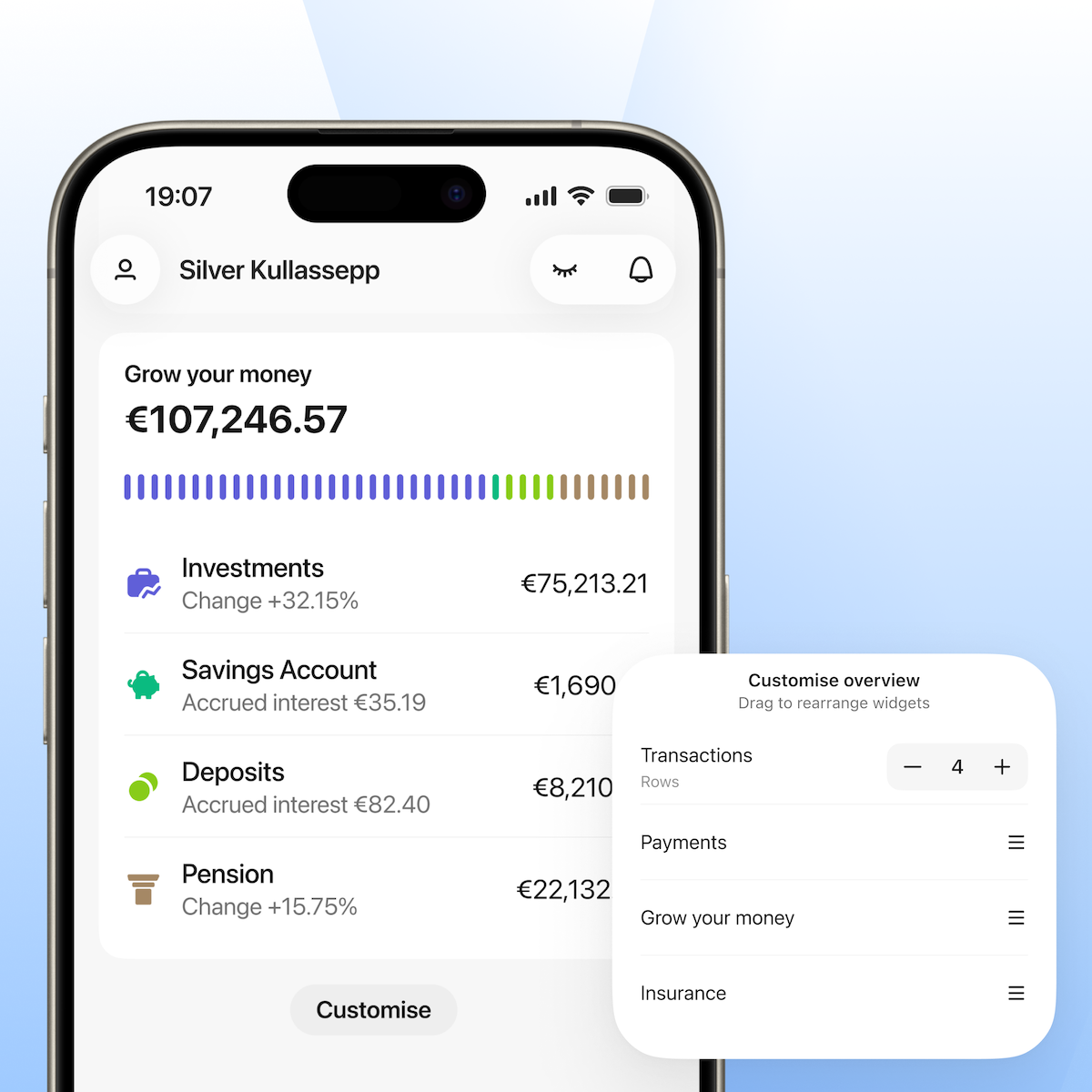
How much do you spend, save, and invest? Moneyplan will show
21. september 2026Do you know how much you actually spend each month on food, transport, or eating out? Or how much of your income you manage to save and invest? Moneyplan in the LHV mobile app brings all your finances together in one clear overview and helps you identify where your money is going and how you’re achieving the goals you’ve set.
Moneyplan provides a comprehensive overview of your finances without focusing solely on your expenses. In one place, you track your income, expenses, savings, and investments. Transactions are automatically categorised, and significant changes and patterns are highlighted for you.
How to get started with Moneyplan?
To use Moneyplan, open the LHV mobile app.
When opening Moneyplan for the first time, you can choose which accounts are included in Moneyplan, i.e., which accounts’ transactions you want to see in the overview. Moneyplan will then automatically categorise your transactions from the past three months. This gives you an immediate overview of what your money is being spent on and how much you have saved or invested.
Using Moneyplan is free and does not require downloading a separate app or entering data manually.
Transactions are automatically categorised
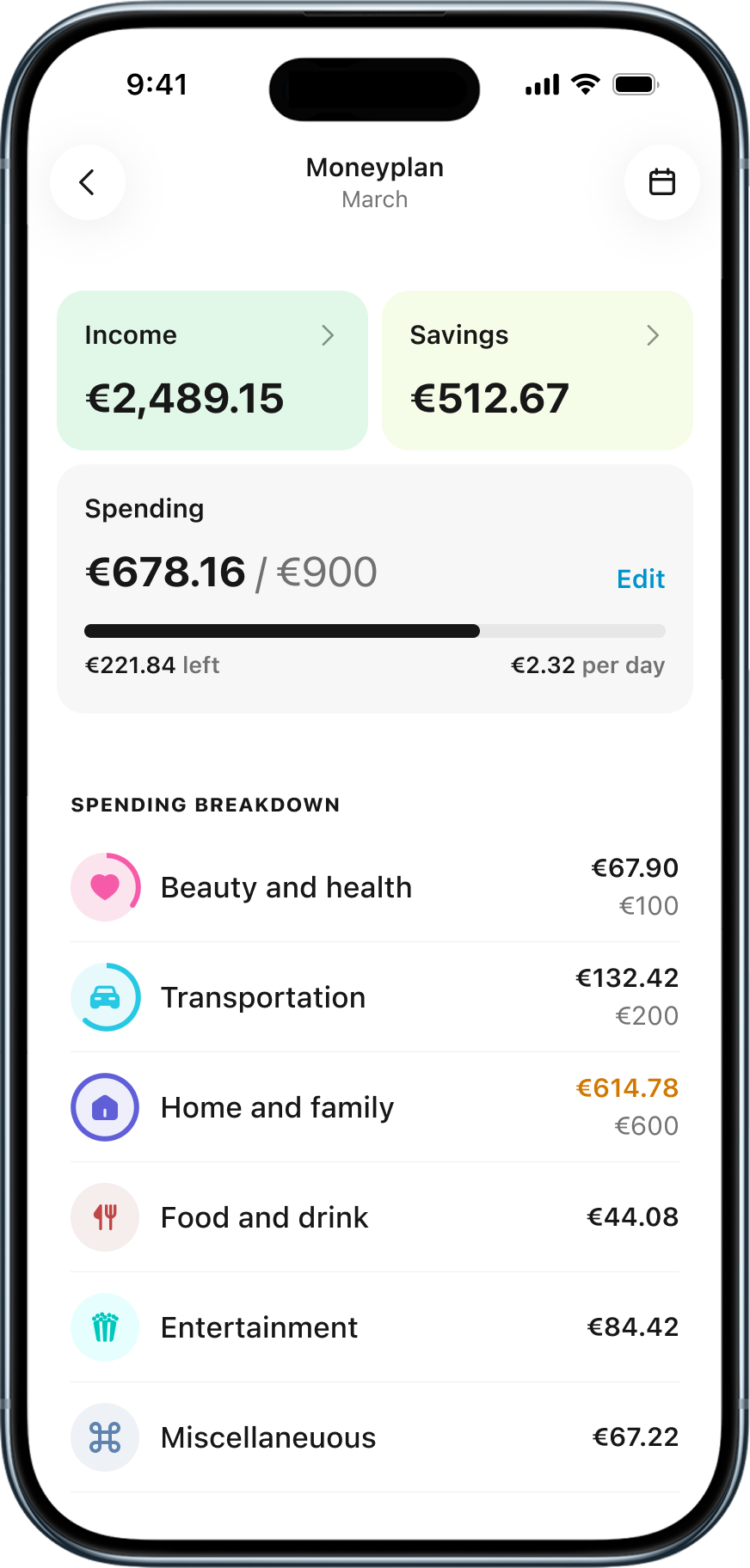
Moneyplan recognises transactions and automatically places them in the appropriate category, such as food, transportation, home, or entertainment. Reservations made with a card are also taken into account, which is why the expenses appear in the overview even before the transaction is finally confirmed. You can also view the breakdown for each category — for example, how much was spent on eating out or on groceries.
If a transaction has been placed in the wrong category, you can change it yourself. You can either correct the category for a single transaction or specify that similar future transactions should also be placed under your chosen category from now on.
Your finances for the whole month at a glance
On the main page of Moneyplan, you can see the current month’s:
- income
- expenditure
- savings and investments
- a breakdown of expenditure by category
- implementation of your set budgets
Once you’ve set your spending budget, you’ll also see the approximate amount you can spend per day for the rest of the month to stay within your chosen limits.
To get a more detailed overview, you can open each expense category and sub-category separately and see which transactions make up the total.
Compare expenditure with previous months
The amount spent in a single month does not necessarily indicate whether or not the expenditure is normal. Some expenses may be seasonal, such as Christmas presents bought in December or winter utility bills.
Moneyplan allows you to compare expenses in a particular category with those of previous months and with the average monthly expenditure. This way, you can quickly see whether this month’s expenses differ from the norm or whether the same pattern repeats itself every year.
Set budgets for expenditure, income, and savings
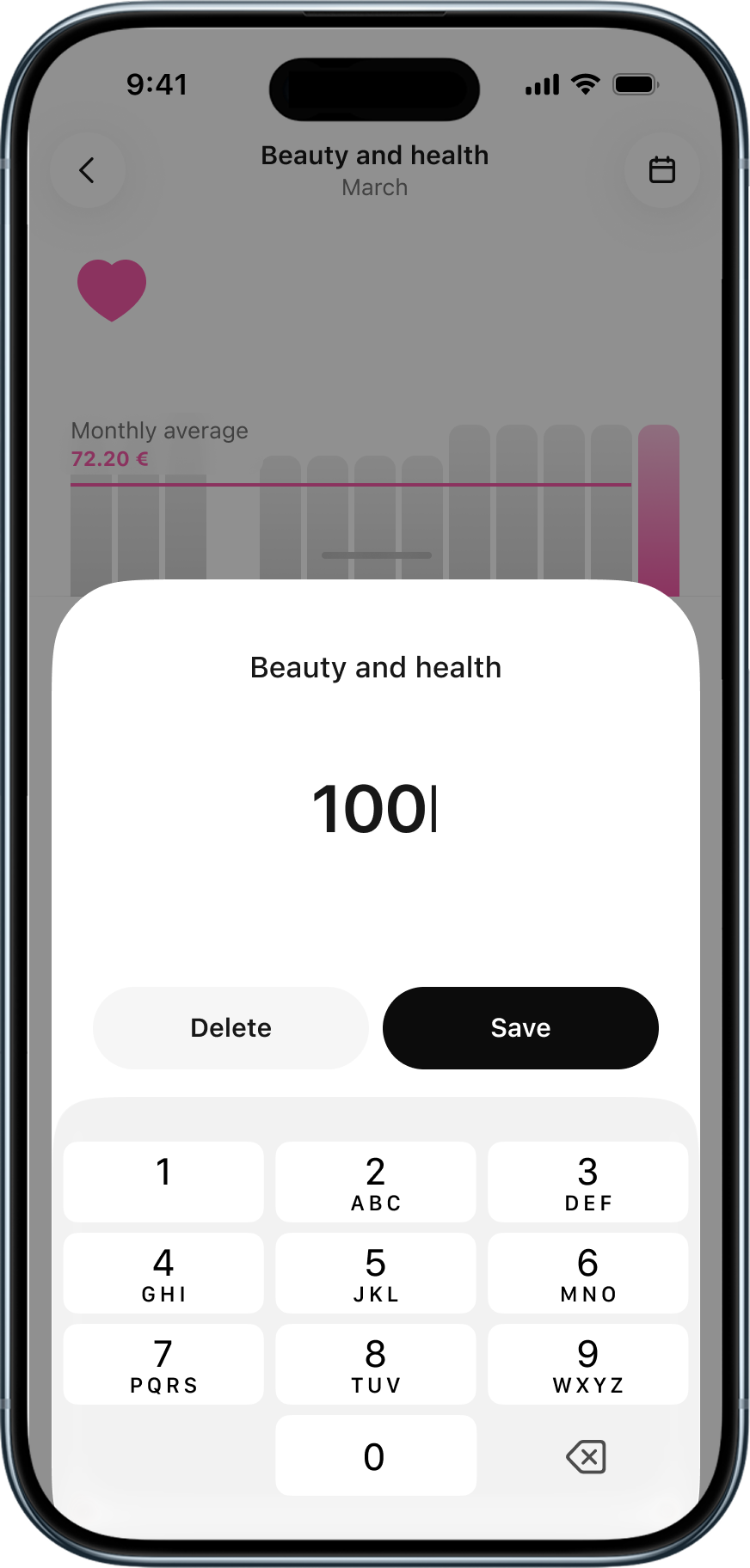
In Moneyplan, you can set as many or as few budgets as you like. A budget may cover all expenses or just certain categories, such as eating out, transport, or entertainment.
A budget does not have to mean merely cutting costs. You can also set goals in Moneyplan for:
- income
- savings
- investments
An income target can be useful, for example, if your salary varies from month to month or if you want to track your passive income. However, setting a savings and investment goal helps you establish a regular routine and monitor whether you're progressing at the desired pace.
View the monthly summary
From October, Moneyplan will also start displaying a visual monthly summary, which will help you quickly review the previous month. In the summary, you will see, amongst other things:
- how much you spent in total and how it related to the budget
- which categories had the greatest impact on costs
- how expenditure changed compared to the previous month
- how much you saved or invested
- how many spending-free days you have had
- how you’ve got on with achieving the goals you’ve set yourself
You can view summaries of previous months again later in Moneyplan. By looking back at them, you’ll gain a better understanding of your spending patterns and be able to make more informed choices in future.
Our FAQ section also helps you find answers to the most common questions.
 Your home, car, and travel are insured. Why do we leave our digital lives to chance?14. september 2026Insurance
 How to raise a financially savvy child? It all starts at home7. september 2026Financial wisdom/Investor/Youth Bank/Banking