Do the exploring, not mental maths
Add stays, meals and other shared costs as you go. Split them with your travel group and see who owes what.
Add lunch runs, team gifts and other shared expenses. Everyone can see and settle their part in a tap.
Add groceries, utilities and other household expenses to your group. Keep track of who owes what and settle up with no back-and-forth.
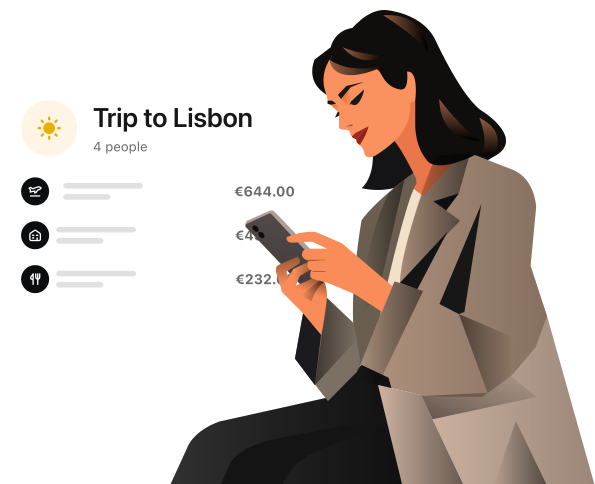
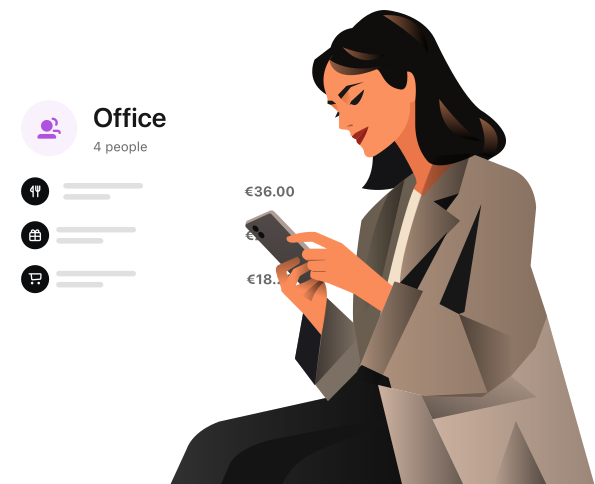
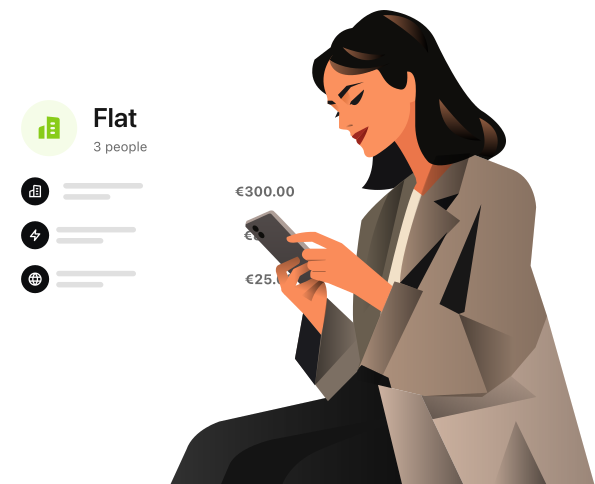
Easily add all shared costs, see who owes what, and settle up in seconds. All inside LHV.


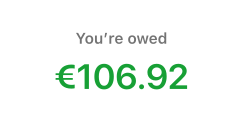
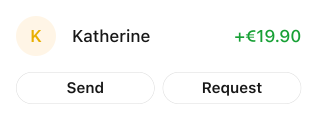
From shared to settled in four steps
-
Bring everyone in
Add people by name and track shared costs together. They don’t need to be LHV customers.
-
Choose how to split
Divide costs equally, by percentage, by share or by exact amount.
-
Add expenses in any currency
Log costs in pounds, dollars or other currencies. Split converts them at today’s rate.
-
Settle up in the app
Pay what you owe with an LHV transfer or mark it as paid.
Frequently asked questions
Split once for a one-off expense. You can then share a payment link or QR code. Create a group to add expenses you want to track together over time.
No. You can add anyone by name and keep track of what they owe. LHV customers can join the group in their app.
Yes. You can split an expense equally, by percentage, by shares or by exact amount.
When you add a custom expense, you can choose a suitable currency. We convert it using the exchange rate at that time and lock in the amount.
Yes. Any group member can edit or remove an expense.
If you’ve allowed us to share your name and account number, group members can see them. They’re also filled in when settling expenses. Otherwise, group members only see your nickname.
To pay someone back, open their balance and tap “Pay” to make an LHV transfer. If you settle up another way, mark the expense as paid.
Yes, once your balance in the group is zero. Groups don’t expire, so you can keep using one for as long as you need.
When someone leaves, they can no longer see the group, and they’re not included in expense splits. They can rejoin at any time via invite.